
Oct 2026
/
4 min read
How to Turn Your Apple TV into a Cozy Fireplace
Set up a fireplace on Apple TV with Cozy Winter 4K. Choose a winter scene, adjust piano and crackling sounds, and enjoy offline ambience without ads.
A television does not always need to be the center of attention. When you are reading, sharing dinner, or settling in after a long day, a fireplace scene can give the room a little movement without asking you to follow a story.
Cozy Winter 4K is our fireplace ambience app for Apple TV. It brings fire, falling snow, and piano music to your screen, with controls that let you decide how much sound and movement belongs in the room.
Start with the atmosphere you want
Before opening the app, think about what you will be doing. Reading might call for a quiet background. A dinner with friends might suit a little piano. If you want the television to feel more like a picture, a still scene may be enough.
Cozy Winter offers three visual styles:
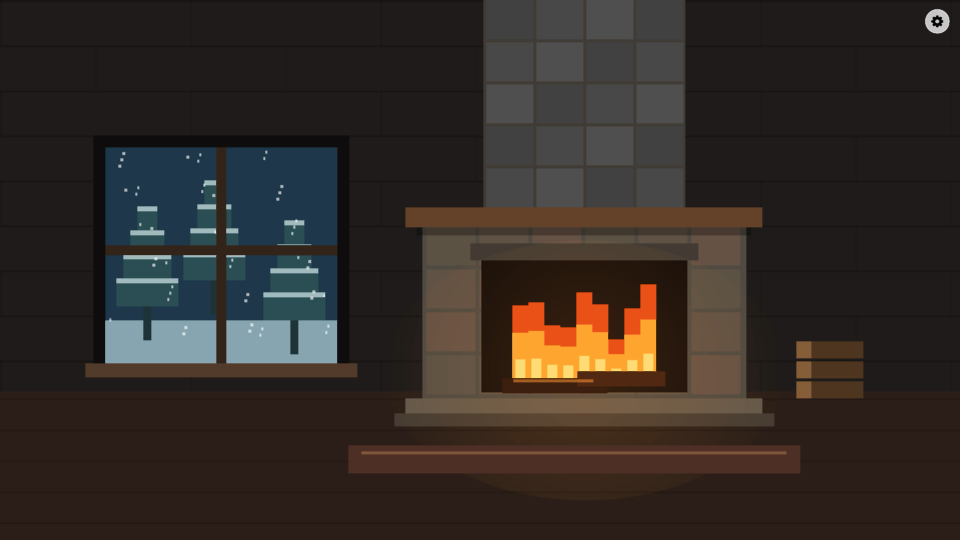
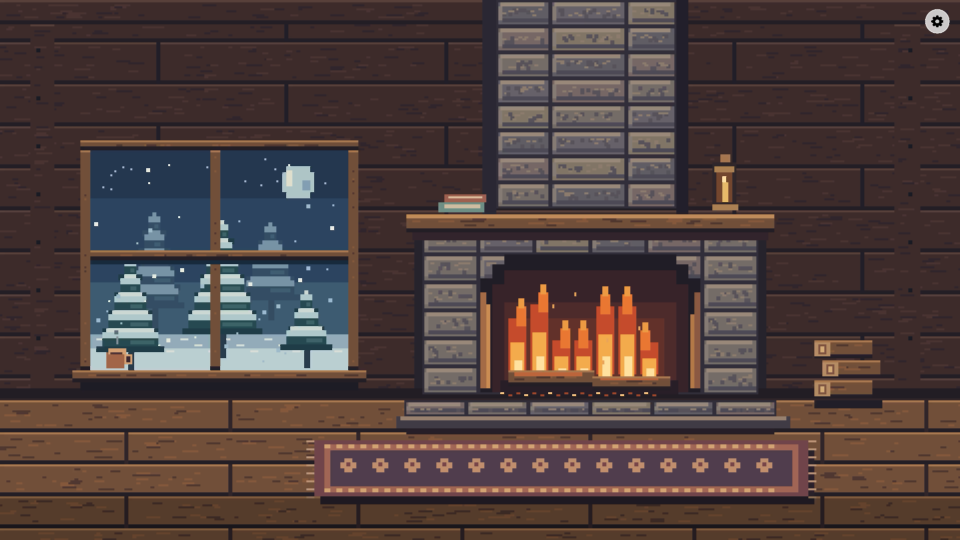
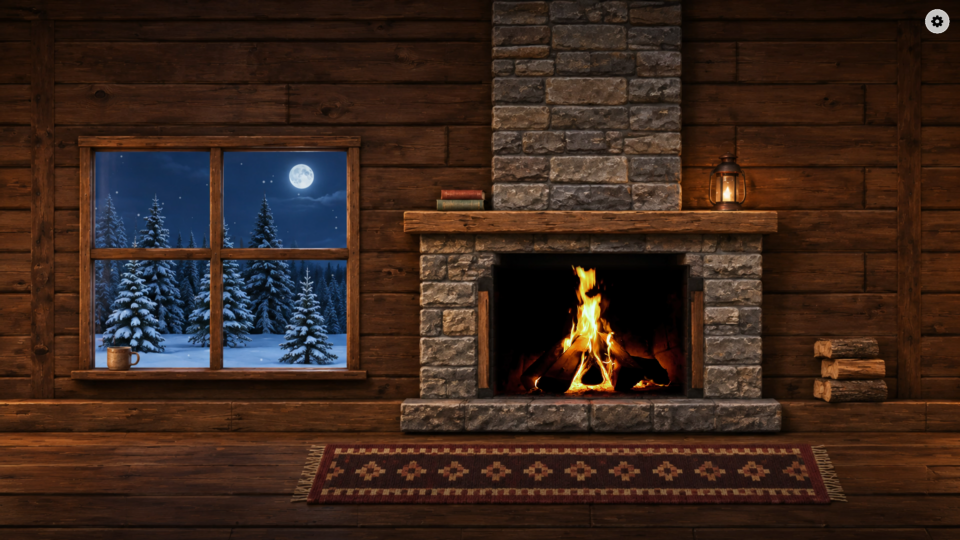
There is no single best choice. Pick the style that fits your room and the mood of the evening. You can change it in Settings without starting a different app or finding another video.
Watch all three scenes
This 15-second preview shows Minimalist, Pixel Art, and Realistic in that order, accompanied by piano and fireplace crackling from the app. Press play to hear the ambience.
Preview music: “Warm Window” by Artistaiden. Fireplace audio: “Lit Fireplace” by lurpsis (CC0).
Set up your fireplace on Apple TV
Open the App Store on your Apple TV and search for Cozy Winter 4K, or visit its App Store listing. The app requires tvOS 17.0 or later.
After installing it, open the app and visit Settings. Choose a scene style, then adjust Animation, Music, and Fireplace sound. These are separate choices: you do not have to keep the piano playing just to hear the fire.
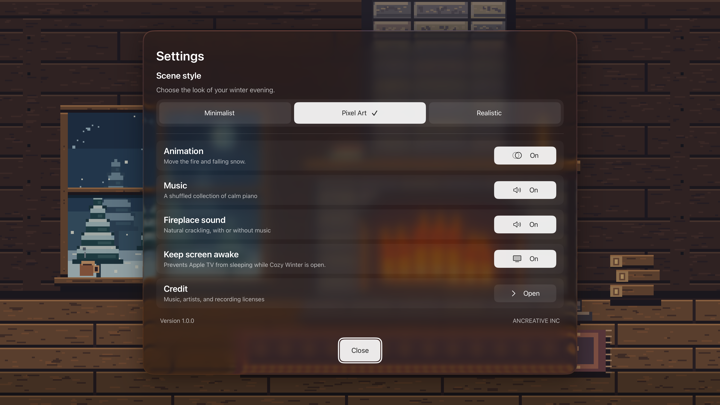
Start with a low volume and adjust it from where you normally sit. The sound should suit your activity. If you are listening to an audiobook, for example, you may prefer to switch both music and fireplace sound off and keep only the picture.
Piano, crackling fire, or silence
The app includes a shuffled collection of 15 piano tracks with smooth transitions. Music and natural fireplace audio can each be switched on or off. Song and artist information appears in the corner, and recording credits are available in Settings.
For a reading session, try the fireplace sound by itself. For a quiet meal, try piano without crackling. For conversation, try a silent scene. The useful part is being able to change the balance without giving up the scene you like.
You can also pause the fire and snowfall animation while leaving your chosen sounds playing. This is a simple option when you want a less active screen.
Does it work offline?
Yes. Scenes, music, and fireplace audio are included in the app and play offline. Cozy Winter does not require an account, show ads, or require a subscription.
That makes the routine straightforward: install the app, choose your settings, and return to it when you want the same atmosphere again.
Is it an Apple TV screensaver?
Cozy Winter runs as an app. It does not replace the Apple TV system screensaver. Keep Screen Awake helps maintain the scene while Cozy Winter is open; it is not a setting for displaying the app over other apps.
Use it when you want your screen to provide ambience, then leave the app when you are ready to watch something else.
Make a quieter evening of it
The best setup is the one you stop adjusting. Choose a look, settle on a comfortable volume, and put the remote down. Let the screen support the book, meal, or conversation you actually want to spend time on.
Explore Cozy Winter 4K, or get it on the App Store.
For another way to use the screen between shows, read our guide to displaying a family calendar on Apple TV.