
Aug 2026
/
5 min read
Loop - Melody Maker: A Handheld Music Studio
Create melodies, beats, loops, ringtones, and WAV exports in seconds with Loop - Melody Maker, a private offline music studio for iPhone.
Loop - Melody Maker: A Handheld Music Studio for Fast Ideas
Making music should not always mean opening a complex desktop DAW, setting up tracks, choosing plugins, and managing a session before the idea is even clear. Sometimes you just want to tap out a melody, build a beat, shape a sound, and export the result before the spark disappears.
Loop - Melody Maker is built for that moment. It is a minimalist music maker and handheld music studio that helps you create melodies, beats, and loops in seconds with an intuitive grid sequencer, powerful synthesizers, drum sounds, and offline WAV export.
No account is required. No subscription is required. Everything happens on your device.
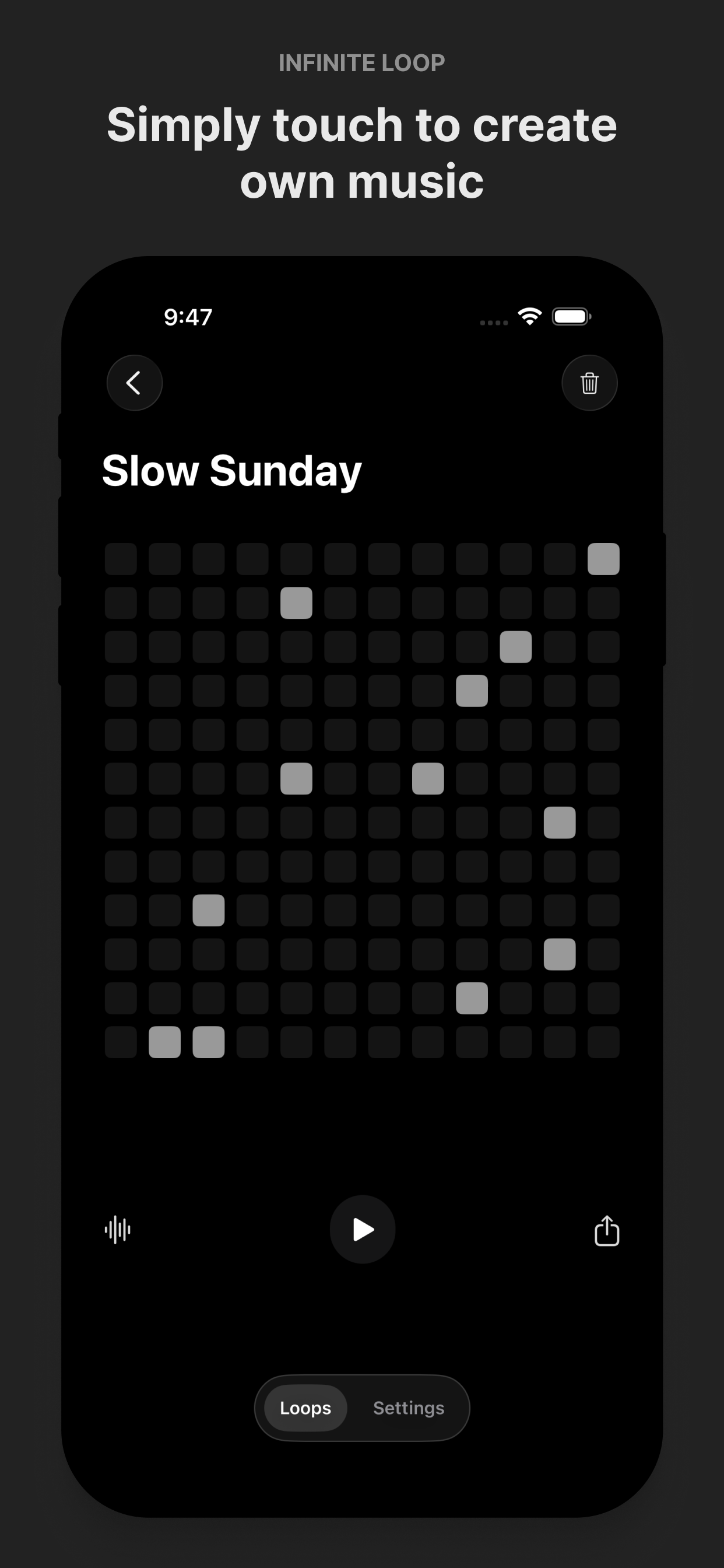
Tap the grid and make music immediately
The main strength of Loop is speed. Anyone can open the app, tap the screen, and create a unique musical idea in a few seconds.
Instead of forcing you through a complicated production workflow, Loop starts with a simple grid-based sequencer. Tap notes into the grid, experiment with rhythm, listen instantly, and keep adjusting until the loop feels right.
That makes it useful for beginners who want an easy way into music creation. It also makes it useful for experienced musicians and producers who want a fast sketchpad for melodies, EDM ideas, ringtone concepts, synth patterns, and social media audio.
Build melodies, beats, and complete loops
Loop is designed for quick musical exploration. You can create melodic patterns, rhythmic ideas, synth sequences, and drum grooves without needing external gear or a desktop setup.
New built-in drum sounds make it easier to create richer beats and more complete loops. You can sketch a melody, add groove, experiment with timing, and turn a small idea into something shareable.
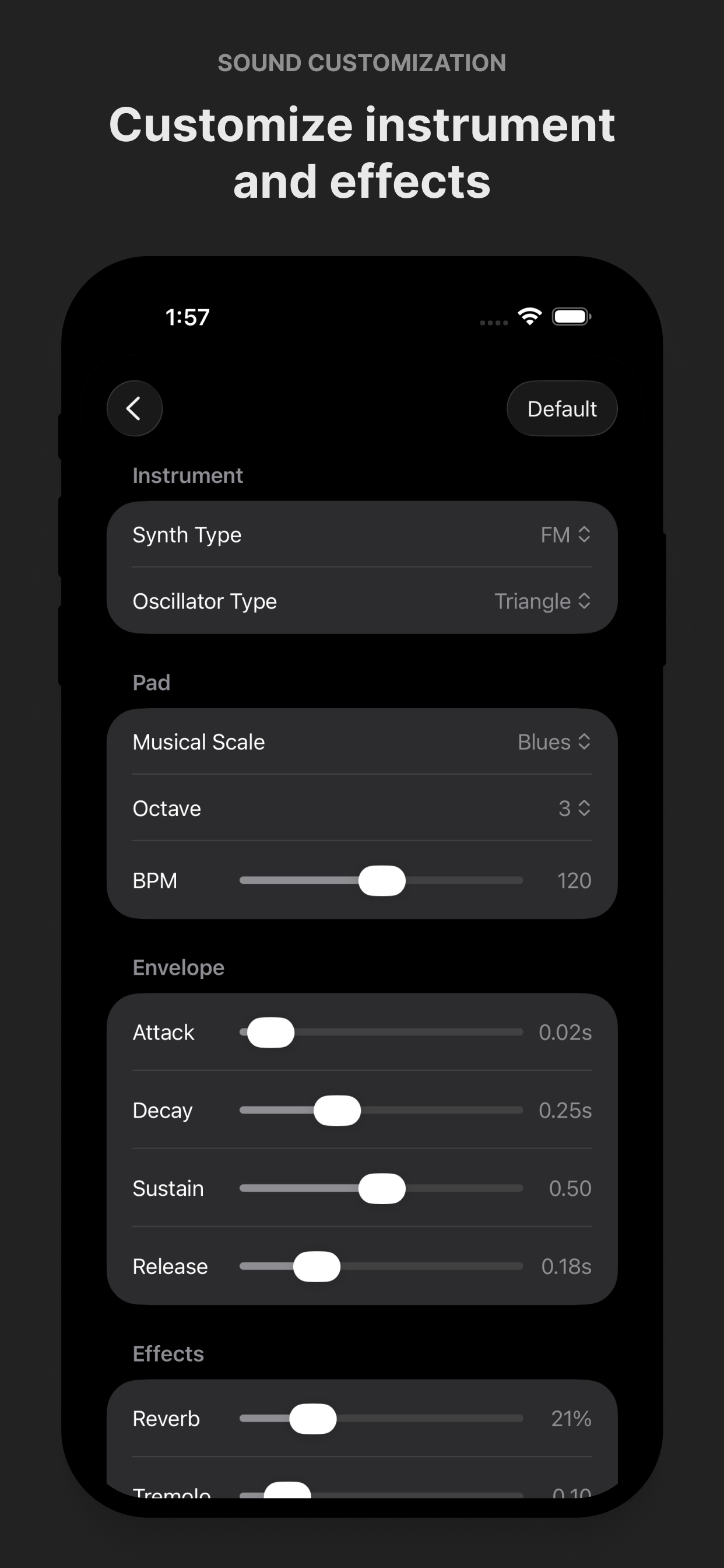
Powerful synth sounds without the complexity
Behind the simple interface is a flexible synth engine. Loop supports multiple synthesis methods so you can design sounds that fit different styles and moods.
- FM synthesis
- AM synthesis
- Wavetable synthesis
- Subtractive synthesis
- Membrane synthesis
You can also choose classic oscillator waveforms like sine, triangle, square, and sawtooth. That gives you a wide range of tones, from soft melodic sounds to sharper electronic textures.
The goal is not to bury you in menus. The goal is to give you enough sound design control to make each loop feel personal.
Shape the sound with production controls
Loop gives you essential controls for shaping ideas without slowing down the creative flow.
- Adjust tempo with BPM control
- Change octaves for different ranges
- Customize ADSR envelopes
- Add reverb for space and atmosphere
- Layer sounds into more expressive patterns
These tools help you move from a basic sequence to something with character. A short melody can become bright and percussive, soft and ambient, or sharp and energetic depending on how you tune the sound.
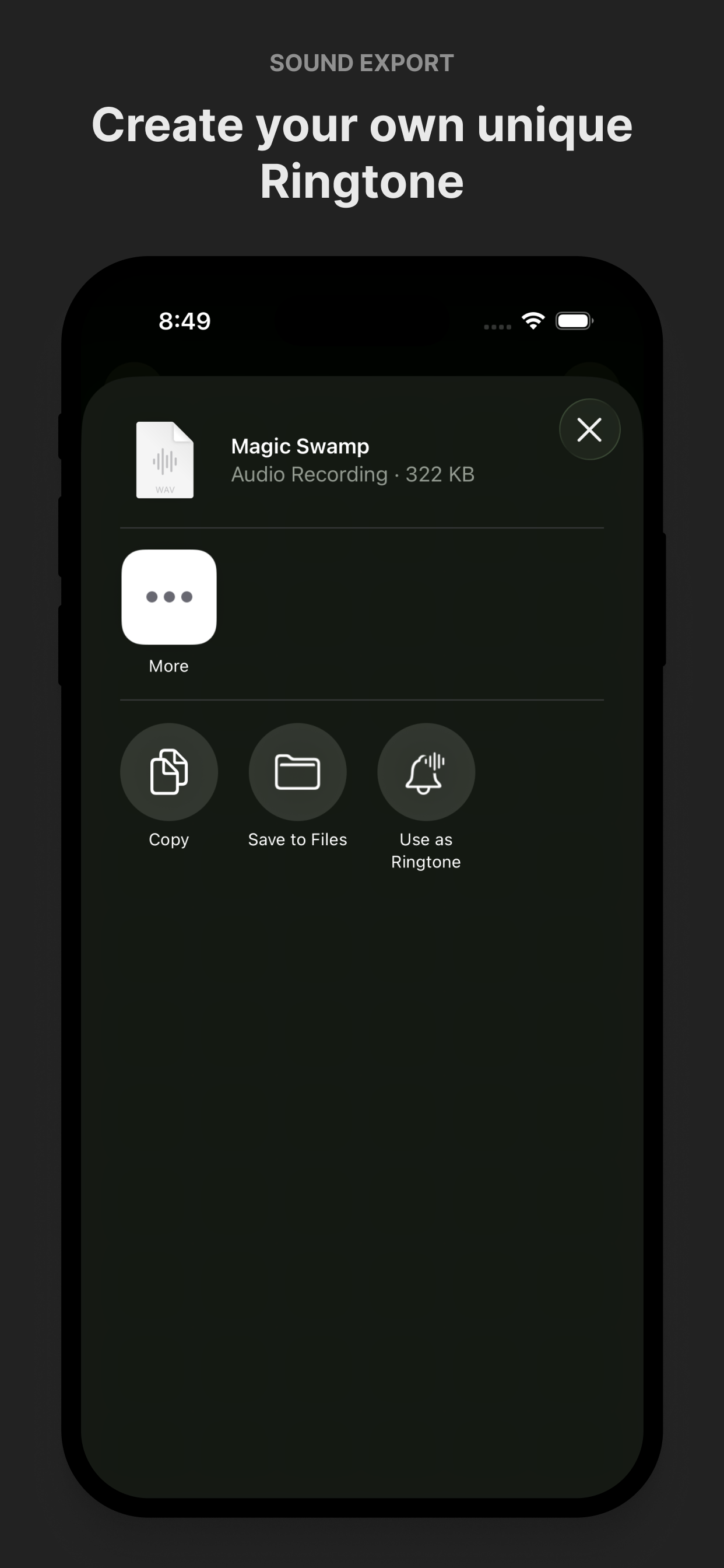
Export WAV audio and use your ideas anywhere
When you make something you like, Loop lets you keep it and use it outside the app.
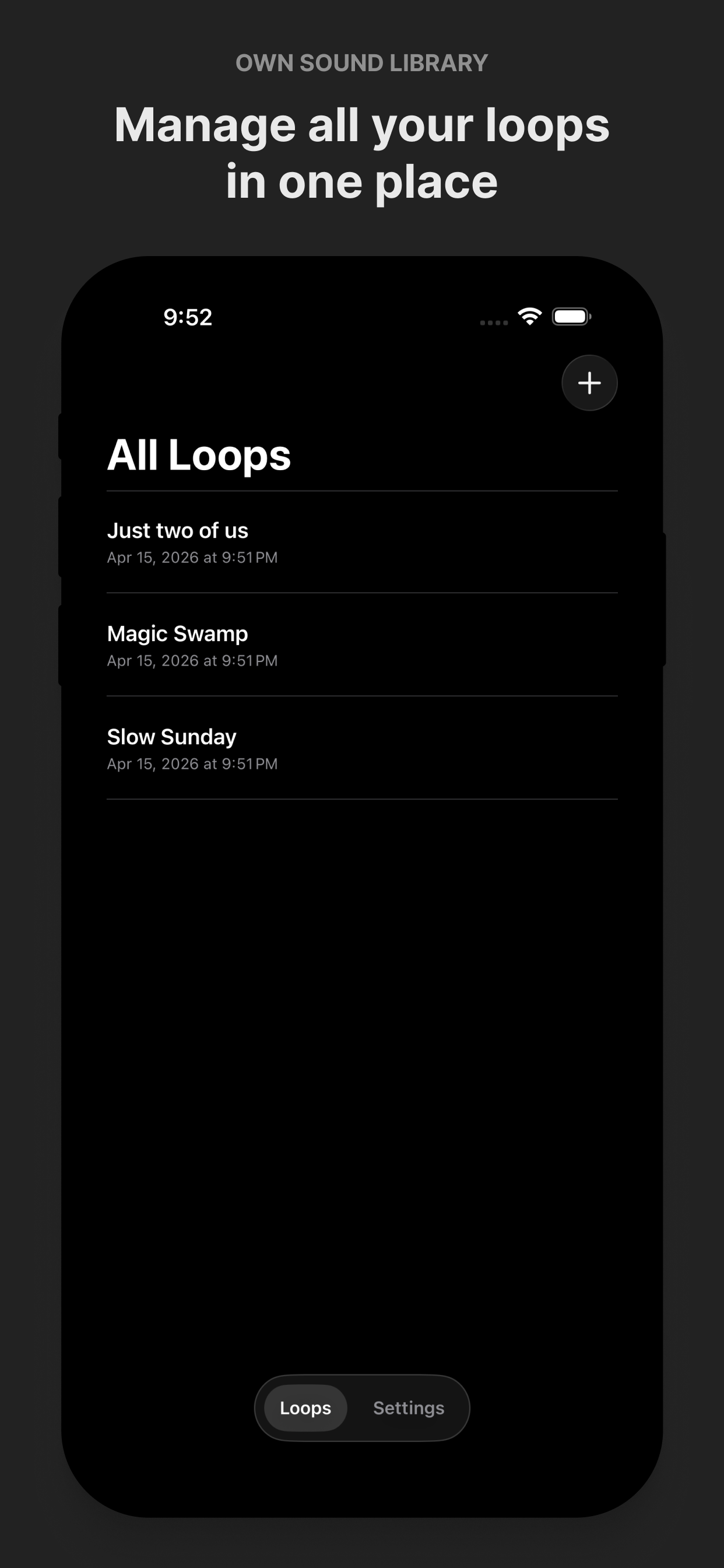
You can save multiple projects, export high-quality WAV audio, and share your music instantly. You can also create custom ringtones with one tap, which makes the app especially fun for turning quick experiments into something personal.
That is where the possibilities open up. A loop can become a ringtone, a beat idea, a melody for a larger song, a synth texture for a DAW project, or audio for social media content.
Built for privacy and offline creation
Loop works completely offline. There are no accounts, no ads, no tracking, and no data collection.
That matters for a creative tool. You can make music privately, save your ideas locally, and export when you are ready. Your projects stay on your device.
A simple music maker with unlimited uses
Loop is made for fast creation. It is simple enough for someone with no production experience, but flexible enough for musicians who want a quick portable sequencer.
Use it for melody sketching, EDM loops, synth experiments, drum patterns, ringtone creation, songwriting ideas, or quick audio clips for social media. Open the app, tap the grid, shape the sound, and export when the idea works.
If you want a fast, private, and playful way to create music anywhere, try Loop - Melody Maker.